Octo Antivirus
Checks every file, download and app on your computer and stops viruses and ransomware before they can do harm.
Once it is installed you can forget about it. It runs quietly in the background and only speaks up when something is wrong.
About 10 minutes. Works on Windows, Mac.
 Included in your plan
The app you install
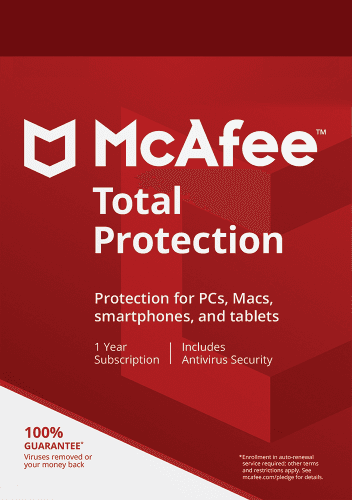
McAfee Total Protection
The same app also gives you Web Protection, VPN and Identity. Set it up once and they are covered too.
Official McAfee package
Set it up
4 steps. Your Octo license is ready, so nothing here costs extra.
Which device?
Copy your McAfee key
This key unlocks McAfee Total Protection. You use it once, in the next step.
McAfee key
••••-••••-••••-31LDPreview key. Your real key appears here once accounts are connected.
Redeem it at McAfee
Paste the key on McAfee's page and create your McAfee account, or sign in if you have one. This is a one-time step.
Redeem at McAfeeInstall it on your Windows PC
Sign in to McAfee with the account from the previous step and download Total Protection there.
Open McAfee My AccountCheck it is running
Open McAfee. When it says you are protected, tell us here.
Your Octo account is your Octo email. Stuck at McAfee? McAfee activation help or call us.
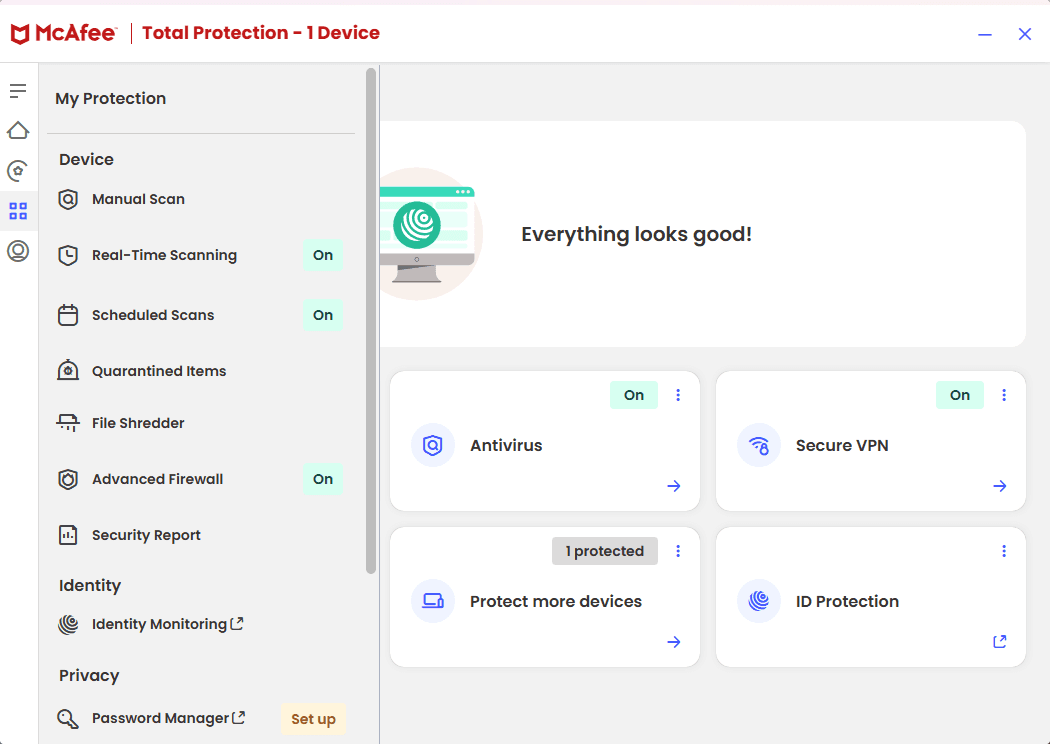
What you will see
This is McAfee Total Protection. Antivirus, Web Protection, VPN and Identity all live in this one app.
What it does for you
Runs on your device
The app checks files and downloads as they arrive. This website cannot scan your computer, so it never pretends to.
Ransomware included
Malware and ransomware protection come in the same app, switched on all the time.
Admin in one place
Your license, renewal date and setup steps live in your Octo account, not in a drawer of emails.
Using it day to day
What to expect once it is running.
It runs on its own
Once installed, it checks files and downloads in the background. You do not need to start it.
A full scan now and then
Open the app and run a full scan once in a while, for example after installing a lot of new software.
When it warns you
Follow what the app suggests, usually moving the file to quarantine. Not sure? Call or email us.
Good to know
What it is
An installed antivirus app with real-time malware and ransomware protection.
What it is not
A scan inside this website, or a promise that nothing can ever get through.
Can I run a scan from this website?
No. A real scan needs access to the files on your device, so scans happen in the installed app.
Does it include ransomware protection?
Yes. Malware and ransomware protection are both part of the antivirus app.
Where do I find the installer?
In your account, right after you pay. It shows which app you are installing and who makes it, before you install it.
Stuck on a step?
Call or email and we set it up with you.