Octo Web Protection
Warns you in your browser before you open a fake shop, a phishing page or another dangerous site.
Once it is on, risky links get a clear warning before the page loads, so you can turn back in time.
About 10 minutes. Works on Windows, Mac, Major browsers.
 Included in your plan
The app you install
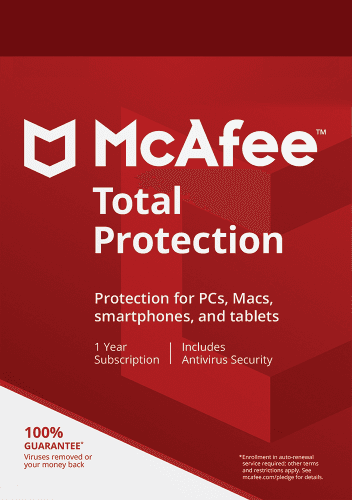
McAfee Total Protection
The same app also gives you Antivirus, VPN and Identity. Set it up once and they are covered too.
Official McAfee package
Set it up
4 steps. Your Octo license is ready, so nothing here costs extra.
Which device?
Copy your McAfee key
This key unlocks McAfee Total Protection. You use it once, in the next step.
McAfee key
••••-••••-••••-31LDPreview key. Your real key appears here once accounts are connected.
Redeem it at McAfee
Paste the key on McAfee's page and create your McAfee account, or sign in if you have one. This is a one-time step.
Redeem at McAfeeInstall it on your Windows PC
Sign in to McAfee with the account from the previous step and download Total Protection there.
Open McAfee My AccountCheck it is running
Open McAfee. When it says you are protected, tell us here.
Your Octo account is your Octo email. Stuck at McAfee? McAfee activation help or call us.
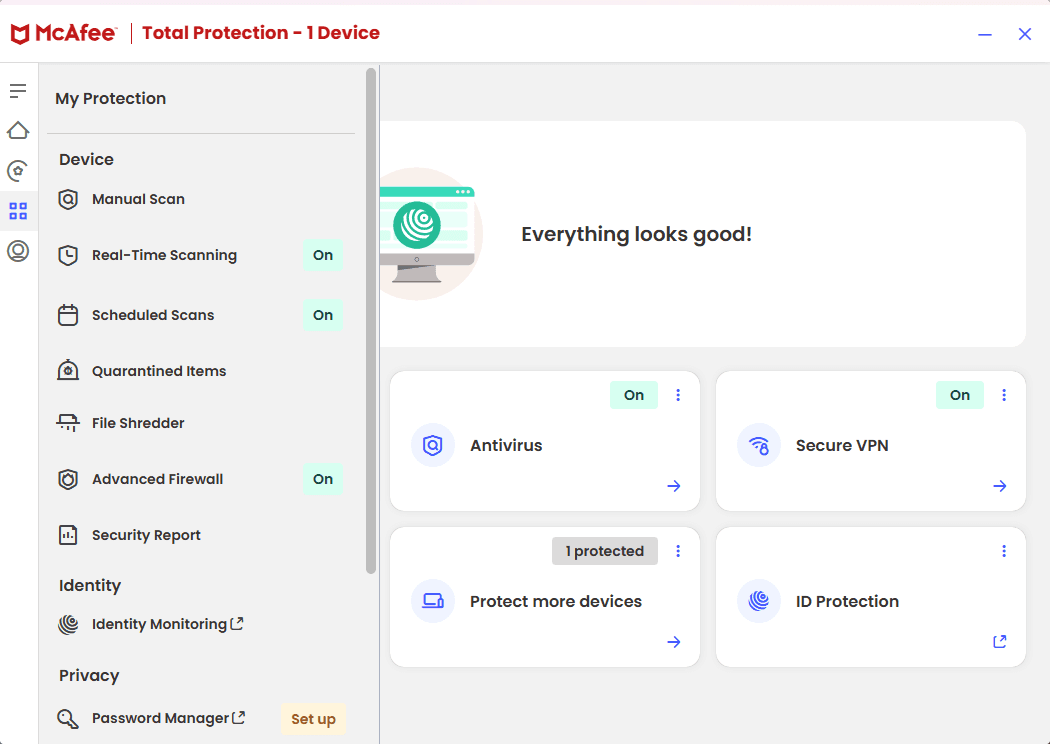
What you will see
This is McAfee Total Protection. Web Protection, Antivirus, VPN and Identity all live in this one app.
What it does for you
Before the page loads
Known malicious and scam sites are flagged before they can run anything or ask for details.
Against copies
Pages that imitate a bank, a shop or a sign-in screen to collect your password are caught when they are known.
Warnings as context
New scams appear every day. No warning is useful context, not proof that a page is safe.
Using it day to day
What to expect once it is running.
Switch on the browser part
When the app asks to add its browser extension, say yes. That is where the warnings appear.
When a warning appears
Go back, unless you are certain the site is the real one. Type the address yourself instead of following the link.
Every browser you use
Using more than one browser? Add the extension to each of them.
Good to know
What it is
Browser protection that warns about known dangerous, phishing and scam sites.
What it is not
An ad blocker, or a guarantee that every new scam page is already known.
Is this an ad blocker?
No. It warns about dangerous sites, phishing and scams. It does not promise to remove ordinary ads.
Will it catch every dangerous website?
No product can know every new page the moment it appears. Treat it as an extra layer next to careful browsing.
Where are the settings?
In the installed app and its browser extension. Your Octo account has the setup steps.
Stuck on a step?
Call or email and we set it up with you.