Octo Passwords
Creates a strong password for every account, remembers them all and fills them in for you.
You only remember one main password. The app does the rest on your computer and your phone.
About 10 minutes. Works on Windows, Mac, iPhone, Android.
 Included in your plan
The app you install
Sticky Password Premium
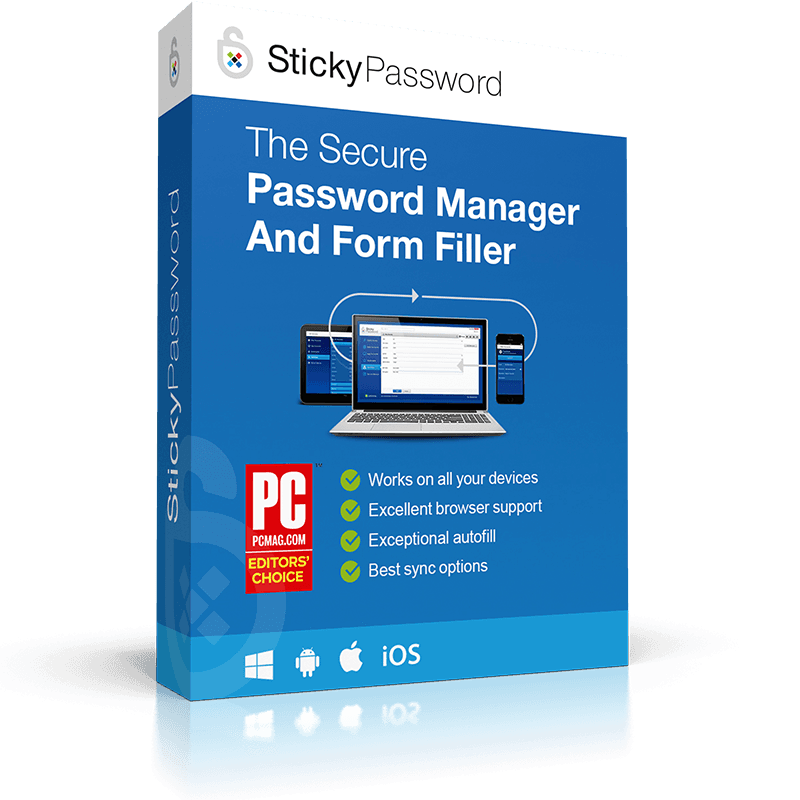
Official Sticky Password package
Set it up
4 steps. Your Octo license is ready, so nothing here costs extra.
Which device?
Install Sticky Password
Download the app on this device and open it.
Download Sticky PasswordCreate your main password
The app asks you to create a StickyAccount and one main password. It is the only password you need to remember.
Unlock Premium with your key
In the app, choose to enter a license key and paste this one. That unlocks Premium on all your devices.
Premium key
••••-••••-••••-31LDPreview key. Your real key appears here once accounts are connected.
Check it is Premium
The app shows Premium in your account details. Then tell us here.
Your Octo account is your Octo email. Stuck at Sticky Password? Open StickyAccount or call us.
What it does for you
One to remember
Protect the vault with one strong password you use nowhere else.
One per account
Generated passwords mean a breach at one site does not unlock the others.
Fills itself in
Autofill brings the right password to sign-in forms on your computer and phone.
Using it day to day
What to expect once it is running.
One main password
You create one strong main password. It unlocks the vault and is the only one you remember.
Let it save as you go
Sign in to your sites as usual. The app offers to save each password, then fills it in next time.
On every device
Install it on your phone and computer so your passwords are with you everywhere.
Good to know
What it is
An installed password manager with an encrypted vault, a generator and autofill.
What it is not
A way for our team to read your passwords, or a replacement for two-step sign in.
Can Octo Security see my passwords?
No. We manage the license and the setup. The contents of your vault are encrypted and stay with you.
What if I forget the vault password?
Recovery depends on how you set up the app. Write your recovery details down and keep them somewhere safe.
Do I still need two-step sign in?
Yes. Unique passwords and two-step sign in protect against different things and work best together.
Stuck on a step?
Call or email and we set it up with you.