Octo VPN
Scrambles your internet connection so people on the same Wi-Fi cannot see what you do or where you go.
Switch it on at the airport, a hotel or a cafe. At home you can leave it off.
About 10 minutes. Works on Windows, Mac, iPhone, Android.
 Included in your plan
The app you install
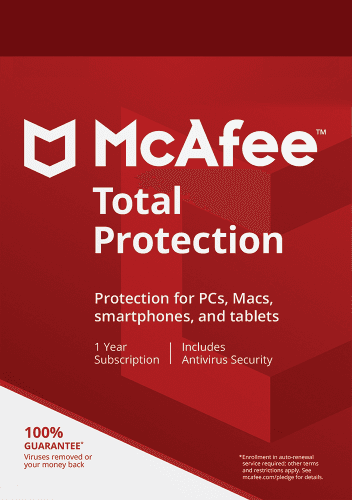
McAfee Total Protection
The same app also gives you Antivirus, Web Protection and Identity. Set it up once and they are covered too.
Official McAfee package
Set it up
4 steps. Your Octo license is ready, so nothing here costs extra.
Which device?
Copy your McAfee key
This key unlocks McAfee Total Protection. You use it once, in the next step.
McAfee key
••••-••••-••••-31LDPreview key. Your real key appears here once accounts are connected.
Redeem it at McAfee
Paste the key on McAfee's page and create your McAfee account, or sign in if you have one. This is a one-time step.
Redeem at McAfeeInstall it on your Windows PC
Sign in to McAfee with the account from the previous step and download Total Protection there.
Open McAfee My AccountCheck it is running
Open McAfee. When it says you are protected, tell us here.
Your Octo account is your Octo email. Stuck at McAfee? McAfee activation help or call us.
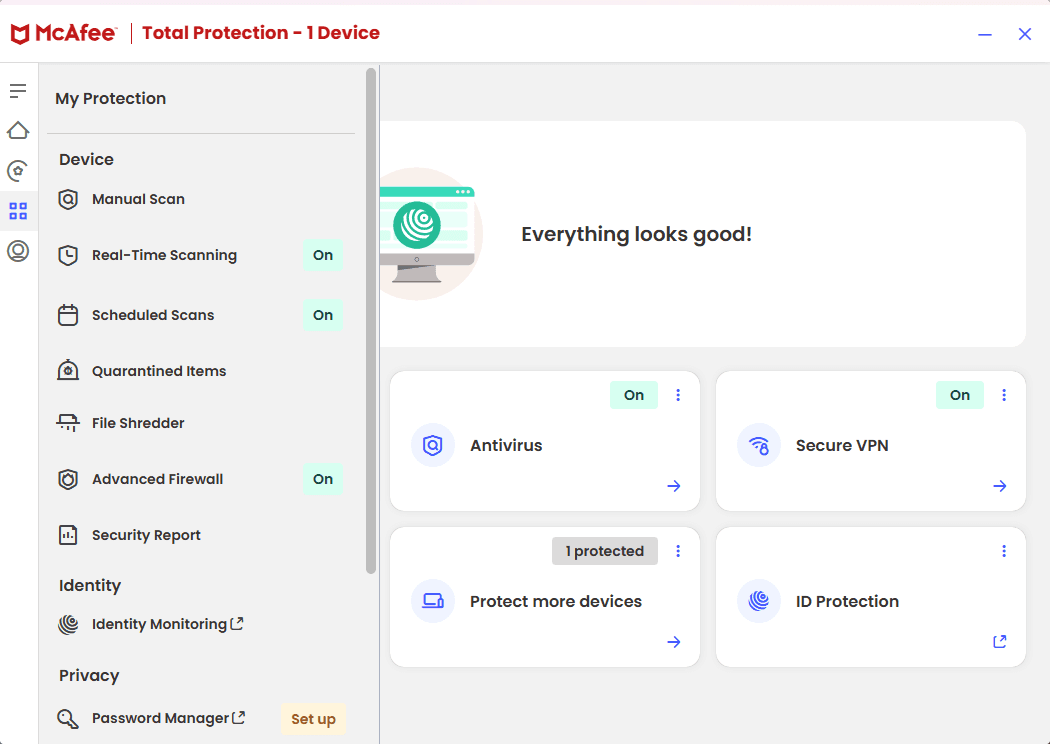
What you will see
This is McAfee Total Protection. VPN, Antivirus, Web Protection and Identity all live in this one app.
What it does for you
Encrypts the exposed part
Anyone sharing the network sees scrambled traffic instead of what you send and where you send it.
One tap in the app
You connect in the VPN app on your device. Your account handles access and setup.
Clear limits
A VPN protects your traffic in transit. It does not replace strong passwords or antivirus.
Using it day to day
What to expect once it is running.
Connect on public Wi-Fi
Open the app and connect before you use Wi-Fi at an airport, hotel or cafe.
At home it can stay off
Your own network is already private. Use the VPN when you are on networks you did not set up.
Slower than usual?
Disconnect and connect again. If it stays slow, call or email us.
Good to know
What it is
An installed VPN app that encrypts the connection from your device.
What it is not
Perfect anonymity, or a substitute for strong passwords and antivirus.
Can I connect from my Octo account?
No. You connect and disconnect in the VPN app on your device.
Does a VPN make me anonymous?
No service can honestly promise that. A VPN hides your traffic from the local network, but sites and accounts can still recognise you.
When should I turn it on?
On any network you did not set up yourself, like hotel, airport or cafe Wi-Fi.
Stuck on a step?
Call or email and we set it up with you.